
 By Neeraj Kapoor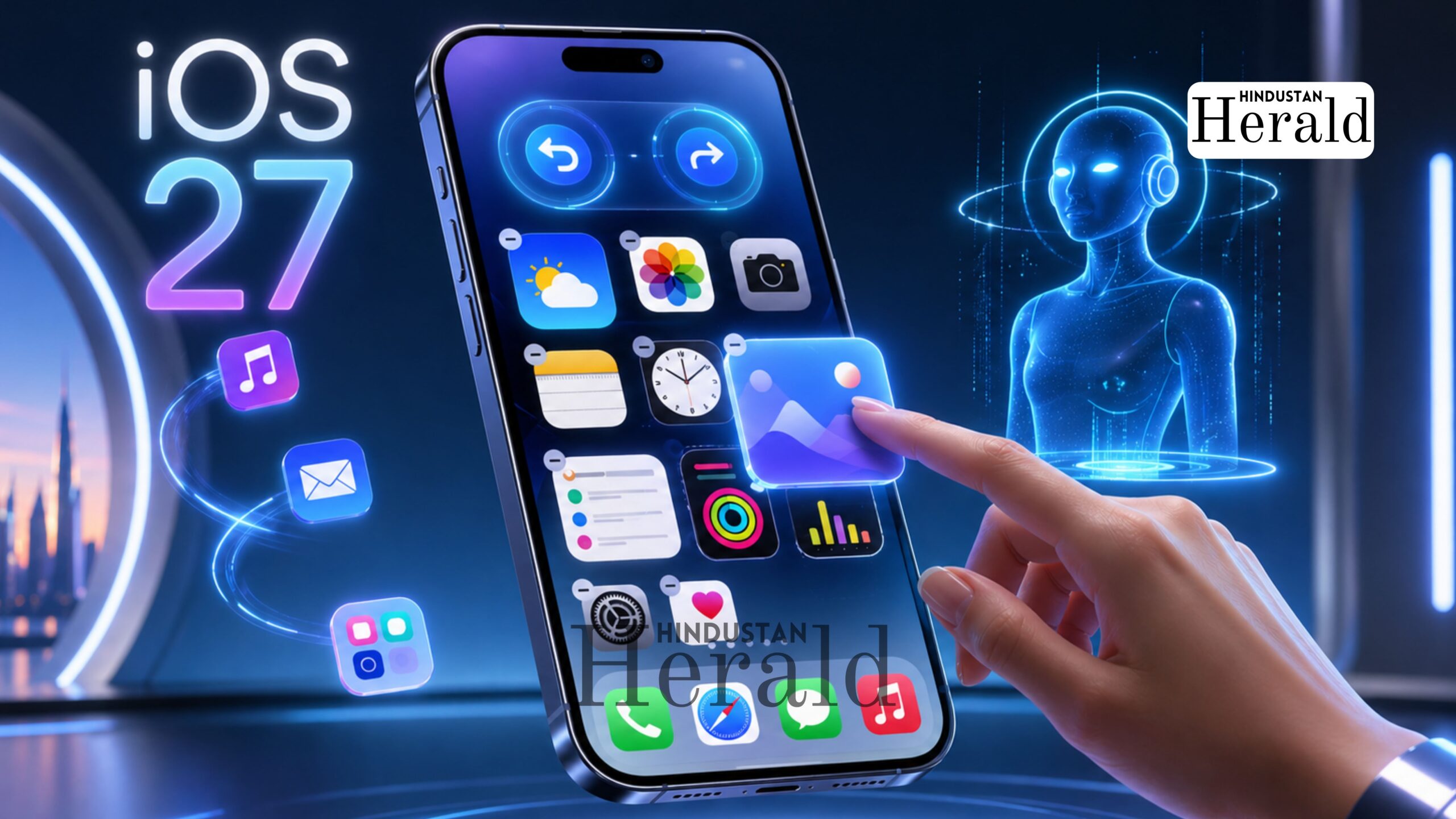
New Delhi, April 27: It sounds almost too simple to be news. A couple of buttons. An undo. A redo. Nothing that rewrites the rules of smartphone design or signals a new era in mobile computing. And yet, the quiet word coming out of Apple’s internal testing labs ahead of its annual developer conference suggests that iOS 27 will finally add exactly that to the iPhone’s home screen, and for millions of users who have spent years manually undoing their own accidental messes, it cannot arrive soon enough.
According to Bloomberg’s Mark Gurman, writing in his widely-read Power On newsletter, Apple is actively testing the addition of “Undo” and “Redo” buttons to the iPhone’s home screen customisation menu. The feature, if it makes it to the final build, would sit inside the same bubble that currently appears when a user long-presses the home screen. Right now, that menu offers four options: Add Widget, Customise, Edit Wallpaper, and Edit Pages. The two new controls would slot in alongside them, giving users a direct way to reverse or reapply any layout changes without having to piece together their previous arrangement from memory.
A Small Fix for a Long-Standing Frustration
There is a certain irony in the fact that a company famous for sweeping product reveals and landmark software moments is generating genuine buzz with a feature that every desktop operating system has offered since the early 1990s. But the response to Gurman’s report has been largely one of relief, not disappointment, which says something about how real this particular pain point has been.
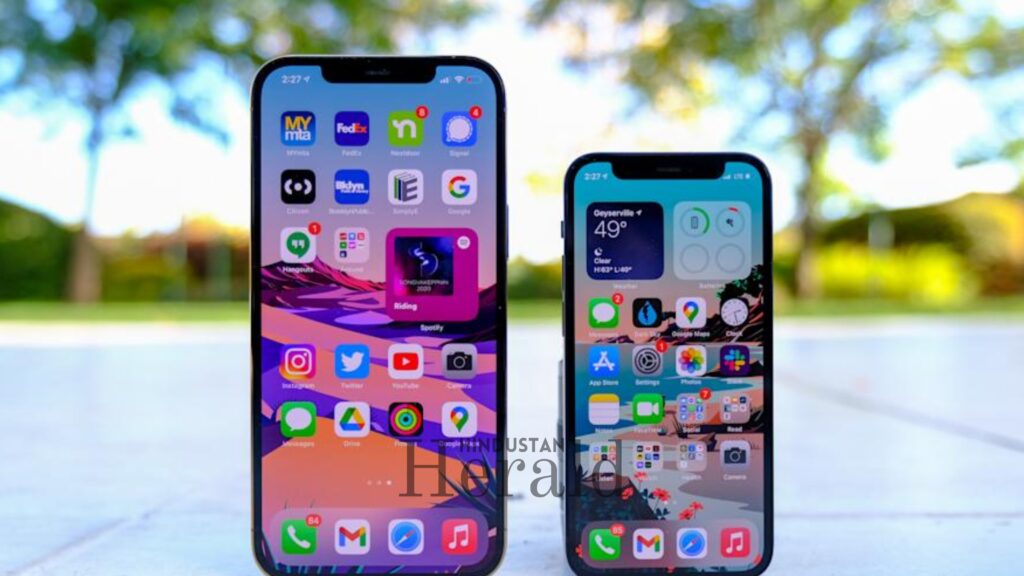
As reported by 9to5Mac, anyone who has spent time rearranging apps and widget stacks on an iPhone knows exactly how quickly things can go sideways. One accidental drag, one widget that shifts when it was not supposed to, one folder that vanishes into another folder during what was meant to be a casual reshuffle, and suddenly the carefully arranged home screen that took an hour to set up is gone. There has been no easy way back. You either remember what you had and rebuild it manually, or you start over.
As per sources tracking the feature’s development, the undo and redo functionality will reportedly work with both icon placement changes and widget adjustments, covering the two most common sources of accidental disruption. How far back history will extend, meaning whether users can undo five changes or fifty, has not been confirmed yet.
What the iOS 27 Build Currently Looks Like
The broader picture emerging around iOS 27 is one of deliberate restraint. As noted by MacRumors, the update has repeatedly been compared internally to Mac OS X Snow Leopard, the 2009 release that Apple marketed almost entirely on the promise of doing less but doing it better. Snow Leopard added no major new features. It tightened performance, fixed bugs, and made the overall system feel more responsive. It is, by many measures, remembered as one of Apple’s best releases.

iOS 27 appears to be following that same philosophy. The focus, according to multiple reports citing Gurman and other sources, is on stability, performance, and battery life, with the headline feature being a long-overdue overhaul of Siri and meaningful progress on Apple Intelligence, the company’s AI platform that has delivered somewhat unevenly since its debut.
That said, the update is not entirely without new additions. As reported by Beebom Gadgets, a Liquid Glass adjustment slider is also reportedly in development for iOS 27. The Liquid Glass aesthetic, introduced with iOS 26 as the biggest visual redesign in years, currently offers only two settings: Clear and Tinted. The slider would give users more granular control over the effect’s intensity, a feature that was apparently planned for iOS 26 itself but ran into engineering difficulties and was pulled before release.

Still, the undo and redo feature is the one drawing the most immediate interest, precisely because it requires no explanation and solves a problem that users have encountered from the very first day they tried to customise their home screen.
Apple’s Gradual Shift Toward Real Customisation
To understand why this matters, it helps to look at where Apple started. For years, the iPhone home screen was essentially immovable. Apps sat in a fixed grid, icons could be rearranged but only within narrow constraints, and the idea of deep personalisation was not something Apple appeared particularly interested in enabling. The company’s position, implicit if not stated, was that its default layout was good enough and users did not really need to change it.

That position softened noticeably around iOS 14, which introduced home screen widgets, allowing users to embed live-updating information panels directly into their layouts. iOS 16 added customisable lock screens. iOS 18 went further, allowing icons to be placed anywhere on the grid rather than forcing them to stack from the top-left corner. iOS 26 brought the sweeping Liquid Glass visual overhaul and the ability to tint app icons.
Each of these steps expanded what users could do with their phones. But none of them added the basic safety net that should have come alongside all of it: the ability to step back when something went wrong. That gap has always felt like an oversight, and according to Cult of Mac’s coverage of Gurman’s report, the undo and redo addition is precisely Apple’s recognition that the customisation tools have grown complex enough to warrant an escape hatch.
Device Compatibility and the Road to Launch
Not every iPhone is expected to benefit. As per reporting by IBTimes UK, the iOS 27 update is anticipated to support iPhone 12 models and newer, which aligns with Apple’s recent practice of drawing the compatibility line at that generation. Older devices will likely remain on iOS 26.
The official unveiling of iOS 27 is scheduled for WWDC 2026, Apple’s annual Worldwide Developers Conference, which kicks off on June 8, 2026. The first developer beta is expected to drop the same day, with a public beta likely following in July. The final, stable release for general users is expected in September, timed as usual with the launch of a new iPhone lineup, the iPhone 18 series.
Between now and then, the features currently in testing, including undo and redo, can change. Apple regularly develops functionality that never makes it to the final build, and Gurman himself described the undo/redo addition as something the company is “looking at”, not something confirmed. Still, given the source and the timing, most observers are treating it as a strong indication of where the update is headed.
The Siri Question Looms Larger

Whatever smaller features iOS 27 adds to the home screen, the update’s real test will be what it delivers on Siri. The voice assistant has been the most high-profile underperformer in Apple’s recent software history. Announced with considerable fanfare as the face of Apple Intelligence, Siri’s conversational and contextual capabilities have lagged well behind what was promised, and well behind what competing assistants from Google and OpenAI have been offering.

As reported by MacRumors, iOS 27 is expected to introduce a dedicated standalone Siri app, representing a significant relaunch of the assistant’s interface and capabilities. The Dynamic Island is reportedly set to display a “Search or Ask” prompt with a glowing cursor when Siri is activated, signalling a more ChatGPT-style interaction model. Apple is also said to be opening Siri integration to third-party AI chatbots, potentially allowing users to hand off queries to Google Gemini or Anthropic’s Claude directly through the Siri interface.
That is the part of iOS 27 that carries genuine strategic weight. For Apple, whose entire premium positioning rests on the idea that its ecosystem delivers the most seamless and reliable experience, an underperforming Siri has been a reputational liability. iOS 27 is where the company appears to be making a serious push to fix that.
The undo and redo buttons, by comparison, are a footnote. But they are a footnote that a very large number of iPhone users will notice immediately and appreciate every time they rearrange their home screen without consequence.
What It Signals About Apple’s Current Direction
There is something worth reading into the fact that Apple, in the lead-up to one of its most anticipated software releases in years, is generating coverage with a two-button home screen tweak. It suggests a company that is, at least for this cycle, prioritising the filling of gaps over the opening of new frontiers.
Snow Leopard was not a glamorous release. It was a necessary one. If the early picture of iOS 27 holds, it may end up being remembered the same way. Not as the update that changed everything, but as the update that quietly fixed the things that should have been fixed years ago, and in doing so, reminded users why they chose the platform in the first place.
For now, the details remain preliminary. June will bring the full picture. Until then, for anyone who has ever accidentally deleted a widget and spent twenty minutes trying to remember what it was, the next few months carry at least a small promise.
Stay ahead with Hindustan Herald — bringing you trusted news, sharp analysis, and stories that matter across Politics, Business, Technology, Sports, Entertainment, Lifestyle, and more.
Connect with us on Facebook, Instagram, X (Twitter), LinkedIn, YouTube, and join our Telegram community @hindustanherald for real-time updates.

Tech writer passionate about AI, startups, and the digital economy, blending industry insights with storytelling.
- Neeraj Kapoor

- Neeraj Kapoor
- Neeraj Kapoor
- Neeraj Kapoor